On this page
- How to add Urdu captions on TikTok: check your app first
- Method A: auto or creator captions, then fix every line
- Method B: type your captions with the Text tool
- Method C: an editor app such as CapCut
- Urdu script or Roman Urdu: choose by audience
- Readability rules for Urdu captions on a phone
- Roman Urdu spelling: pick one and stick to it
- A workflow that saves time: script first, captions second
- Common mistakes with Urdu captions
- FAQ
Quick answer: To add Urdu captions on TikTok, first check whether Urdu appears under More options > Select video language on the post screen. If it doesn't, or the auto captions come out wrong, type your captions yourself with the Text tool using an Urdu keyboard, or paste Roman Urdu lines from your script. Keep lines short, use one spelling per word, and keep text away from TikTok's buttons.
You speak Urdu in the video. TikTok's auto captions turn "aaj main aapko batati hoon" into three random English words. Or there's no Urdu option at all, so you leave the video without captions and lose every viewer who scrolls with the sound off.
We read the pages that rank for this topic on 20 November 2026. Almost all of them are English guides from caption tool companies. They explain where the Captions button is, then pitch their own app. Not one explains Urdu script on a phone screen, right-to-left line breaks, or how to spell Roman Urdu consistently. A few vendor pages promise "free auto Urdu captions" without showing how.
This guide covers what TikTok officially says about captions, how to check Urdu support on your own phone in 20 seconds, three ways to add Urdu or Roman Urdu captions, and the readability rules that make them actually readable on a 6 inch screen.
How to add Urdu captions on TikTok: check your app first
Before you pick a method, find out what your app offers. Features roll out by region and app version, so a guide written in London can't tell you what your phone in Lahore shows.
TikTok's own Accessibility for your videos help page (read on 20 November 2026) describes two caption features:
- Auto-generated captions. They use speech recognition and are generated for videos you upload. You choose the caption language on the post screen: tap More options, then Select video language, pick a language and post. Eligible videos show captions in that language.
- Creator captions. On the preview screen, tap Captions on the side panel. TikTok transcribes the speech, and you can preview and edit each line, plus change the font style and color, before you tap Save. The first time, it asks you to opt in.
Here's the catch. That help page doesn't list which languages are supported. The last official list we found is TikTok's July 2022 newsroom post, which named an initial batch "including" English, Portuguese, German, Indonesian, Italian, Korean, Mandarin, Spanish and Turkish. Urdu wasn't on it. That list is more than three years old, and TikTok may have added languages since, but as of November 2026 we couldn't find an official TikTok page that confirms Urdu.
For comparison, YouTube publishes a full list. Its automatic captioning help page includes Hindi and Punjabi, but Urdu isn't on it as of November 2026. So if you speak Urdu on Shorts, YouTube's auto captions won't help you either.
The 20 second check
- Open TikTok, upload any short clip with you speaking Urdu, and go to the post screen.
- Tap More options, then Select video language.
- Scroll the list. If Urdu is there, select it and save the video as a draft or post it privately to test.
- Watch the result with the sound off. Count the wrong words in the first ten.
If Urdu isn't listed, or more than two words in ten are wrong, skip auto captions for this video. Fixing a badly guessed transcript line by line takes longer than typing it fresh.
Method A: auto or creator captions, then fix every line
Use this when your phone offers Urdu (or when you speak mostly English with some Urdu words) and the first test came out close.
- Record or upload the video and go to the preview screen.
- Tap Captions on the side panel to create creator captions.
- Read every line. Fix wrong words, names, product names and numbers.
- Change the font style and color if the default is hard to read on your background.
- Tap Save, then post.
Already posted? TikTok's help page says you can fix auto-generated captions afterwards: open the video, tap the caption, tap Edit captions, change or remove lines, and tap Save.
Two warnings. Speech recognition trips on mixed language, so a sentence like "yeh serum literally 2 din mein absorb hota hai" may come back half right. And numbers matter more than anything else on screen. If the caption says "Rs. 1,200" and you said "1,500", viewers will quote the wrong price in the comments.
Method B: type your captions with the Text tool
This is the method we recommend for Urdu script, and it's what we'd use for most Roman Urdu videos too. It's slower than auto captions, but it's the only method that works on every phone today, and you control every word.
- Write your script first (more on that below). Keep it in your Notes app.
- In TikTok, record or upload the video and open the editor.
- Tap Text on the side panel.
- Paste or type the first caption line. Keep it to one short sentence.
- Pick a font, color and background style, then place it.
- Tap the text and set its duration so it shows only while you say that line.
- Repeat for each line.
For a 30 second video, that's usually 8 to 12 text boxes. Ten minutes of work, once you get the rhythm.
Bonus: once text is on screen, TikTok's help page notes you can tap it and select Text-to-speech to have it read aloud. Don't do that on a voiceover video, but it's handy for a faceless text-only post.
Set up an Urdu keyboard
On iPhone, Apple's iOS feature availability page lists three Urdu keyboards: Urdu (Alphabetic), Urdu (QWERTY) and Urdu (Transliteration). Add one in Settings > General > Keyboard > Keyboards > Add New Keyboard. The Transliteration one is handy if you think in Roman Urdu: you type in Latin letters and pick the Urdu word it suggests.
On Android, open your keyboard's language settings and search for Urdu. Menus differ by brand and keyboard app, so check yours rather than trusting a screenshot from someone else's phone. If your keyboard has no Urdu, your phone's app store has keyboards that add it.
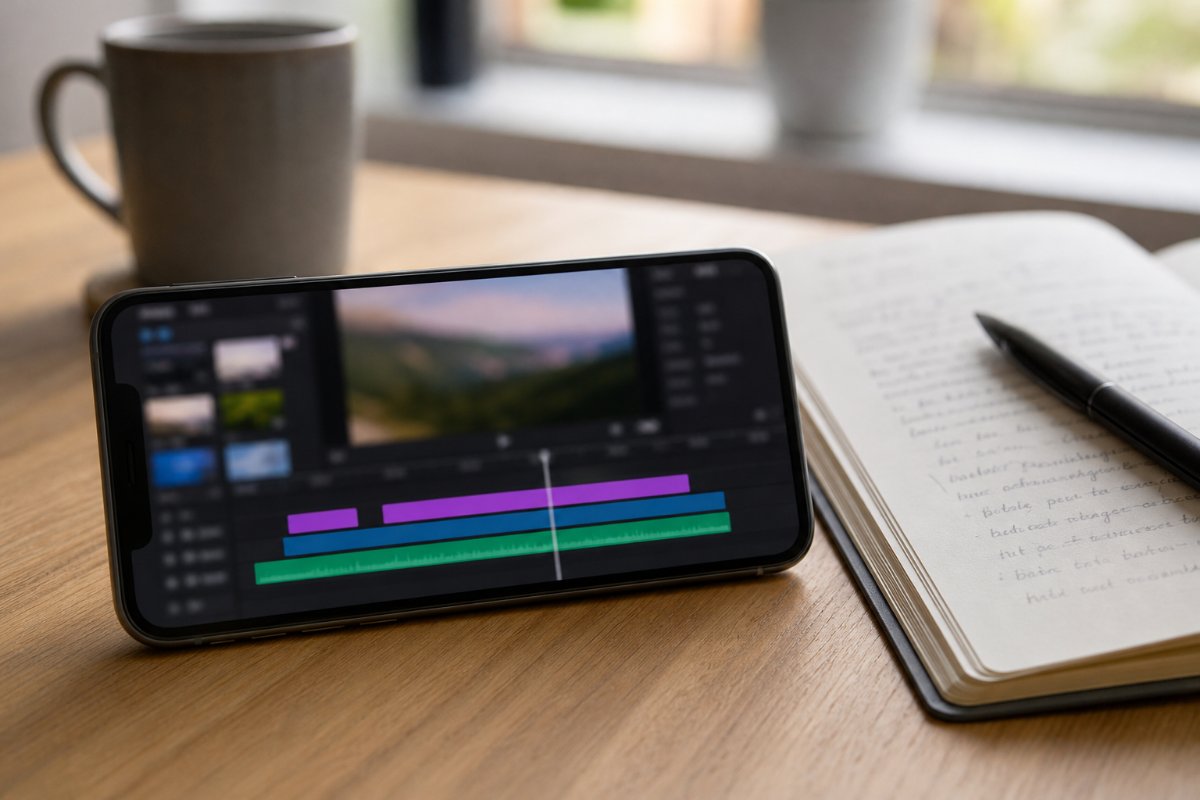
Method C: an editor app such as CapCut
Use an editor when you're already cutting the video there, or when you want the same caption style on TikTok, Reels and Shorts.
CapCut's help page on auto captions (dated 24 March 2026) says the mobile app's flow is: tap Captions in the bottom menu, choose the language and a template, and start generation. It also says auto captions depend on the language you select, need a clear audio track and an internet connection, and fail or come out wrong if the language is unsupported or set incorrectly. Like TikTok, it doesn't publish a language list on that page, so we can't confirm Urdu speech recognition there either. Check the language menu in your own copy of the app.
If Urdu isn't offered, you can still use the editor's manual text tool exactly like Method B. The advantage is reuse: build one caption style, save it, and apply it to every video.
Is the app available in Pakistan? We couldn't verify that from an official source, and app availability changes by country and over time. Search for it in your own Play Store or App Store before you plan a workflow around it. Whatever editor you use, keep your original clip.
Urdu script or Roman Urdu: choose by audience
Pick the script your viewers read fastest, not the one you write most comfortably.
| Your audience | Best caption script | Why |
|---|---|---|
| Pakistani viewers 16 to 30, casual niches (comedy, food, tech, vlogs) | Roman Urdu | Matches how many young Pakistanis type in chats; reads fast in short bursts |
| Older viewers, religious, poetry, news, education | Urdu script | Reads naturally, looks credible, avoids spelling arguments |
| Mixed Pakistani and Indian audience | Roman Urdu, or English captions | Urdu script loses viewers who read Devanagari |
| Diaspora in UK, UAE, Saudi | Roman Urdu or English | Many second generation viewers speak but don't read Urdu script |
| Brand or UGC ad for a Pakistani company | Ask the brand | Their ads may already use one style |
These are our recommendations from how creators in these niches caption, not measured data. Test both on two similar videos and keep the one with better watch time in your analytics.
One rule we'd hold firm: don't mix Urdu script and Roman Urdu in the same caption line. It forces the eye to switch direction mid sentence.
Readability rules for Urdu captions on a phone
Most of the guides we read stop at "make captions readable". Here's what that means for Urdu specifically.
Keep lines short
Aim for five to eight words per line, one or two lines on screen at a time. Urdu script words are wide, and long lines wrap in odd places. If a sentence needs three lines, split it into two text boxes and time them one after the other.
Watch right-to-left line breaks
Urdu runs right to left. When an Urdu line contains English words or numbers, phones flip the order around those pieces, and punctuation can jump to the wrong end. For example, "یہ پراڈکٹ 1,500 روپے کا ہے" may look fine in your Notes app but break oddly in a text box. Fixes:
- Put numbers at the end of a line, or on their own line.
- Avoid English brand names in the middle of an Urdu line. Write the name in Urdu letters, or move it to a separate line.
- Preview at full screen before posting, every time.
Know what font you're getting
Urdu is traditionally written in Nastaliq, the flowing sloped style used in newspapers and books. Many apps don't ship a Nastaliq font and quietly fall back to a Naskh-style Arabic font. It's still readable, but it looks less like Urdu to Pakistani eyes, and some letter joins can look off. Free Nastaliq fonts exist, such as Noto Nastaliq Urdu on Google Fonts, but TikTok's text tool only offers its own font list, so you can't install one there. If the look matters for your niche (poetry, Islamic content, news), make your text in an editor that lets you import a font, then bring the finished video into TikTok.
Nastaliq is also taller than Latin text. Give it a bit more size and line spacing than you'd use for English, or the dots under one line will touch the next.
Contrast and placement
- White text with a dark background box, or black text on a white box, is the safest choice over moving video.
- Keep captions in the middle band of the screen. The bottom holds the caption and username, and the right side holds the like, comment and share buttons; text placed there gets covered.
- Don't cover your own face or the product. If you're showing a lipstick shade, the caption goes above it, not on it.
Roman Urdu spelling: pick one and stick to it
Roman Urdu has no official spelling, which is why one video spells the same word three ways. Viewers notice, and it makes your captions look rushed. Write a small house style list in your Notes app and use it every time.
| Word | Pick one spelling | Avoid mixing with |
|---|---|---|
| yeh (this) | yeh | ye, yh |
| hai | hai | he, hy |
| nahi (no) | nahi | nai, nhi, nahin |
| kya (what) | kya | kia, kiya |
| mein (in) | mein | main, me (when you mean "in") |
| main (I) | main | mai, mein |
| bohat (very) | bohat | bht, bohot, bahut |
| aap (you) | aap | ap |
| kyun (why) | kyun | kiun, q |
The spellings above are our suggestion, not a standard. What matters is that you choose once. Skip chat shortcuts like "q" for "kyun" or "bht" for "bohat" in captions: they're fine in DMs, but they slow down a viewer reading at scrolling speed.
Also decide how you write English words. "Skin care" or "skincare"? "Order" or "aarder"? Keep English words in normal English spelling. It's faster to read and it helps TikTok search match the words people type.
A workflow that saves time: script first, captions second
The cleanest captions come from a script, not from a transcript. When you speak from a written script, your captions are already written. You just split them into lines.
- Find what's working. Search your niche in Discover, filter by language, and look at videos that beat their creator's normal views. The outlier multiplier shows views divided by the creator's median, with the formula and freshness on hover. Note how the top videos caption: script, line length, color, where text sits. Save the good ones in Saved so you can compare later.
- Write the script in your caption language. Studio can draft a script, hooks and cover text in Urdu, Roman Urdu, Hindi, English and more. Edit it into your own words, then read it out loud once to catch lines you'd never actually say.
- Split the script into caption lines. One spoken phrase per line, five to eight words.
- Record against the script. If you record a voiceover, our guide to recording a clean Urdu voiceover on your phone covers the room, the phone position and the cleanup.
- Paste the lines as captions (Method B) and time each one to your voice.
- Watch it twice on your phone: once with sound, once without. If the silent version doesn't make sense, the captions need work.
If you follow a few creators who caption well, add them to Tracking so their new posts show up in one place, and study how they handle long sentences and numbers.
For the words themselves, our lists of TikTok hooks in Urdu and Roman Urdu and TikTok content ideas in Roman Urdu give you opening lines that already fit on one caption line. Our 60 second TikTok script template shows how to split a script into beats that become caption blocks.
Common mistakes with Urdu captions
Trusting auto captions without reading them. If your app offers Urdu, the first draft can still be wrong. One wrong word in a recipe or a price is enough to fill your comments with corrections.
Captioning in a script your audience doesn't read. Urdu script captions on a video aimed at diaspora teenagers, or Roman Urdu on a Naat clip, both cost you viewers.
Long paragraphs on screen. A wall of text makes people pause or scroll. Short lines, timed to speech.
Text under the buttons. Always check the final preview. What looks centered in the editor may sit behind the share button on the posted video.
Different spellings in the same video. "Nahi" in line two and "nai" in line six looks careless. Use your house style list.
Burning captions into a video you'll reuse elsewhere. If you'll also post on Reels or Shorts, keep a clean export without captions so you can caption it again for that platform's layout.
If you post faceless content, captions carry even more of the video. Our list of faceless TikTok niches in Pakistan shows which niches lean on on-screen text the most.
FAQ
Does TikTok have auto captions in Urdu?
We couldn't confirm it. TikTok's help page explains how to pick a caption language under More options > Select video language, but it doesn't list languages, and the last official list we found (July 2022) didn't include Urdu. Check your own app: if Urdu appears in that list, test it on a short video and read every line before posting.
How do I type Urdu captions on TikTok?
Add an Urdu keyboard to your phone, then open the TikTok editor, tap Text, and type or paste each caption line. On iPhone, Apple lists Urdu Alphabetic, QWERTY and Transliteration keyboards. On Android, look for Urdu in your keyboard's language settings. Set each text box's duration to match when you say that line.
Should I use Urdu script or Roman Urdu for TikTok captions?
Use the script your audience reads fastest. Roman Urdu usually suits young Pakistani viewers in casual niches and diaspora audiences, while Urdu script suits older viewers and religious, poetry, news or education content. Don't mix both in one line, and test each on two similar videos before you decide for good.
Can I change the font of Urdu captions in TikTok?
Only within TikTok's own font list. TikTok's creator captions let you change font style and color, but you can't install a new font such as a Nastaliq typeface inside TikTok. For a proper Nastaliq look, add the text in an editor that allows imported fonts, export the video, and then upload it to TikTok.
Can I edit captions after posting a TikTok?
Yes, for auto-generated captions. TikTok's help page says to open your video, tap the caption, tap Edit captions, change or remove lines, and tap Save. The page doesn't describe editing text you added with the Text tool after posting, so treat that text as final and preview it carefully first.
By Breakoutly Research
Breakoutly researches short-form video for creators outside the US. Every article cites its sources and is checked by a person before it goes live.